Klassen Window & Door Co.
Website, ads & print design
 Design Peach
JobPacket / Website, dashboard & mobile app
A website that introduces the product. A dashboard for the office. A mobile app for the field. Explore the design across all three.
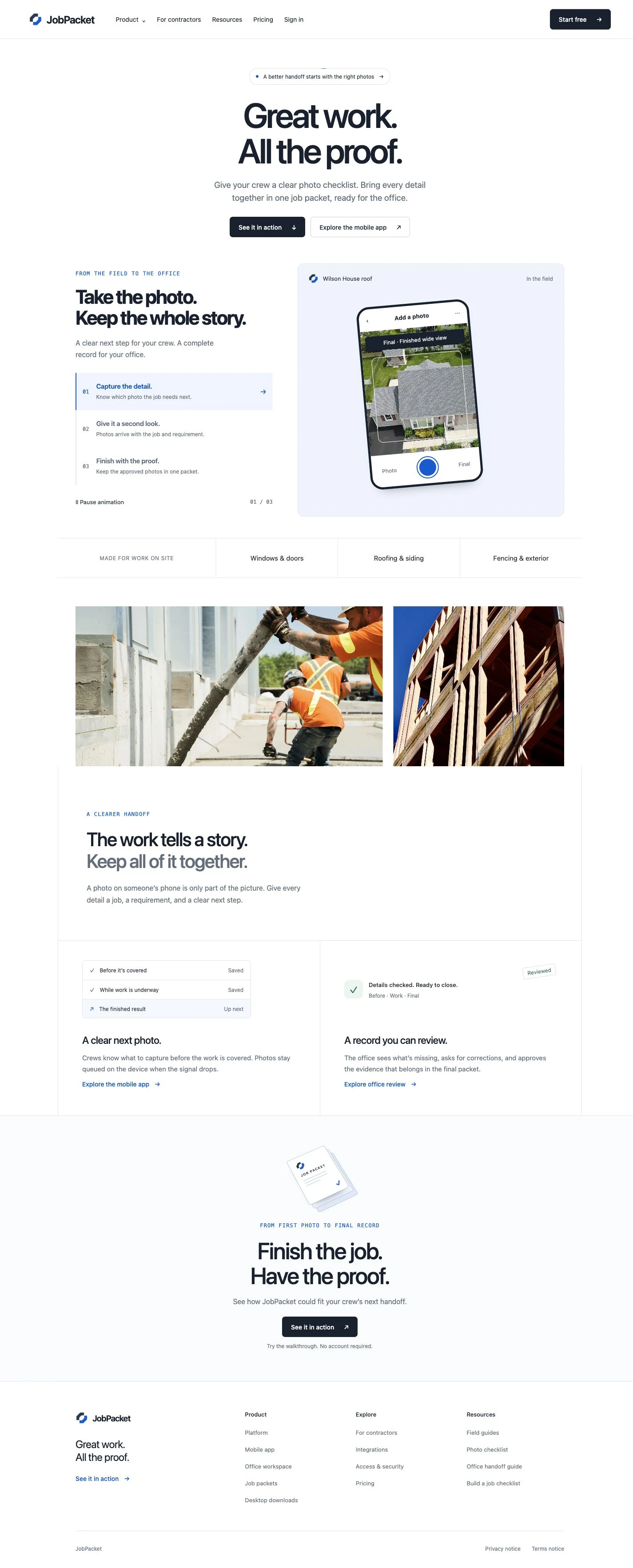
JobPacket’s website introduces job documentation through a clear headline and a staged view of the product. Dark actions, blue accents, generous spacing and large type give the page a simple reading order.
The product section brings the field-to-office handoff into the page itself. A capture screen sits beside a three-stage explanation, so visitors can see the interface as they learn what it does.
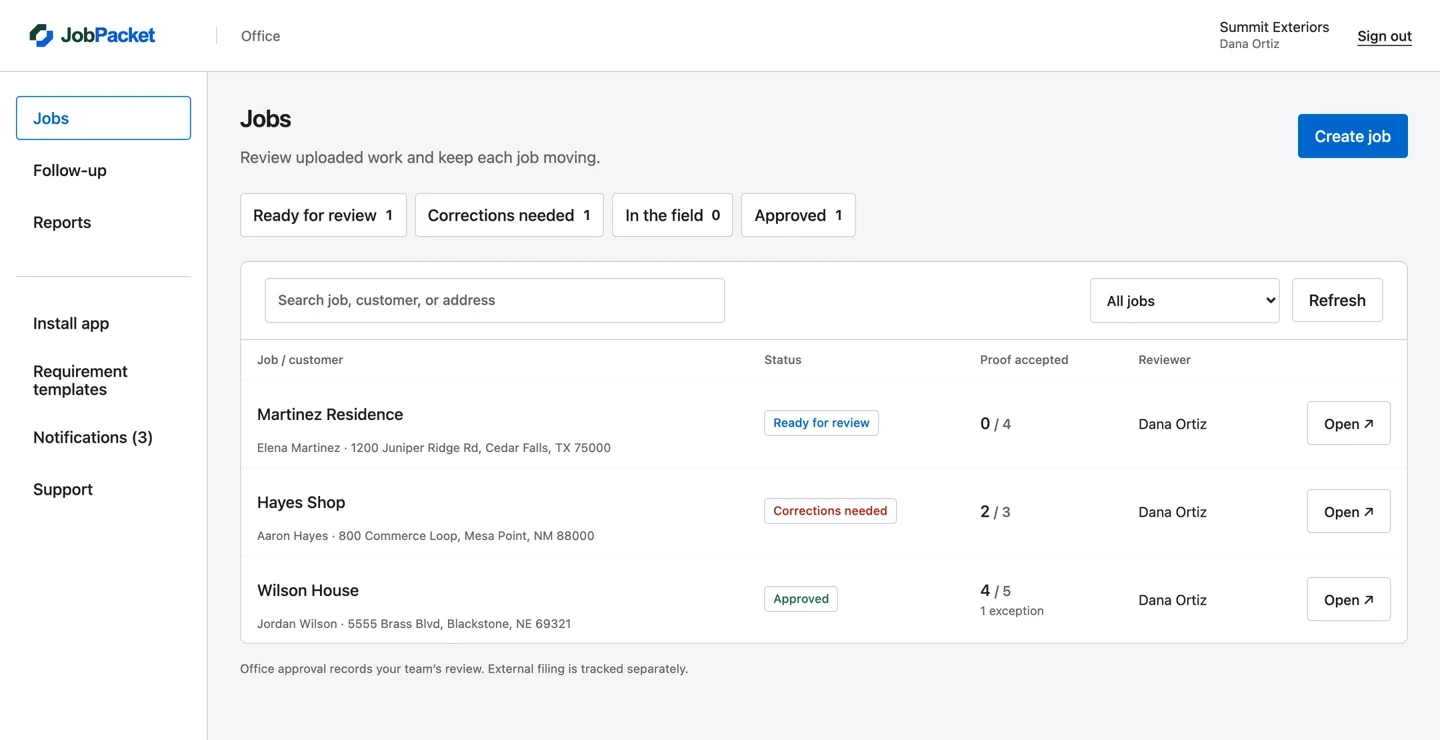
The dashboard uses the desktop canvas for status summaries, search and a job table. The most important review information sits in columns, while the primary action remains separate from the list.
The result is a different layout for a different task: the office can scan several jobs, then open the one that needs attention.
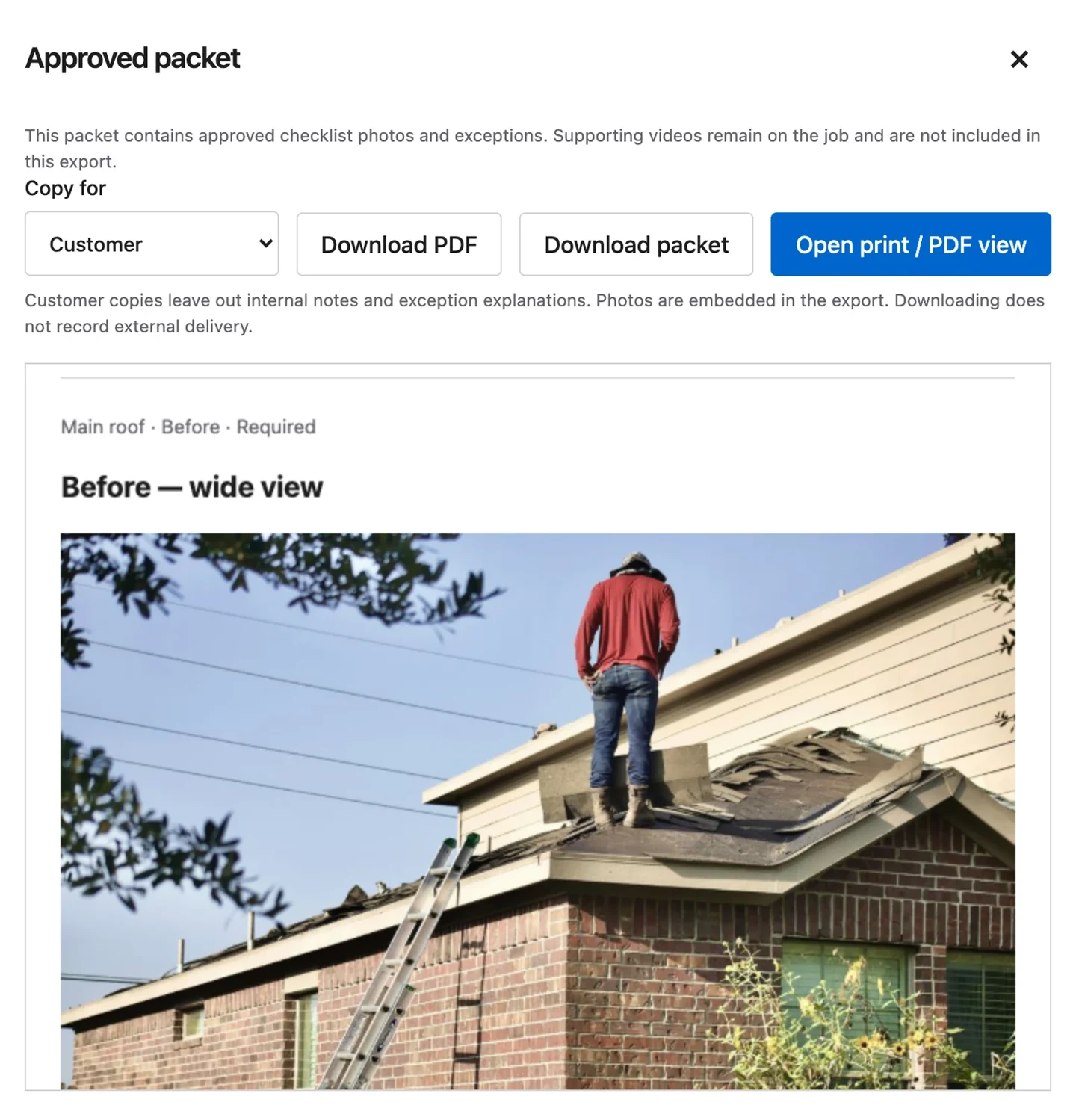
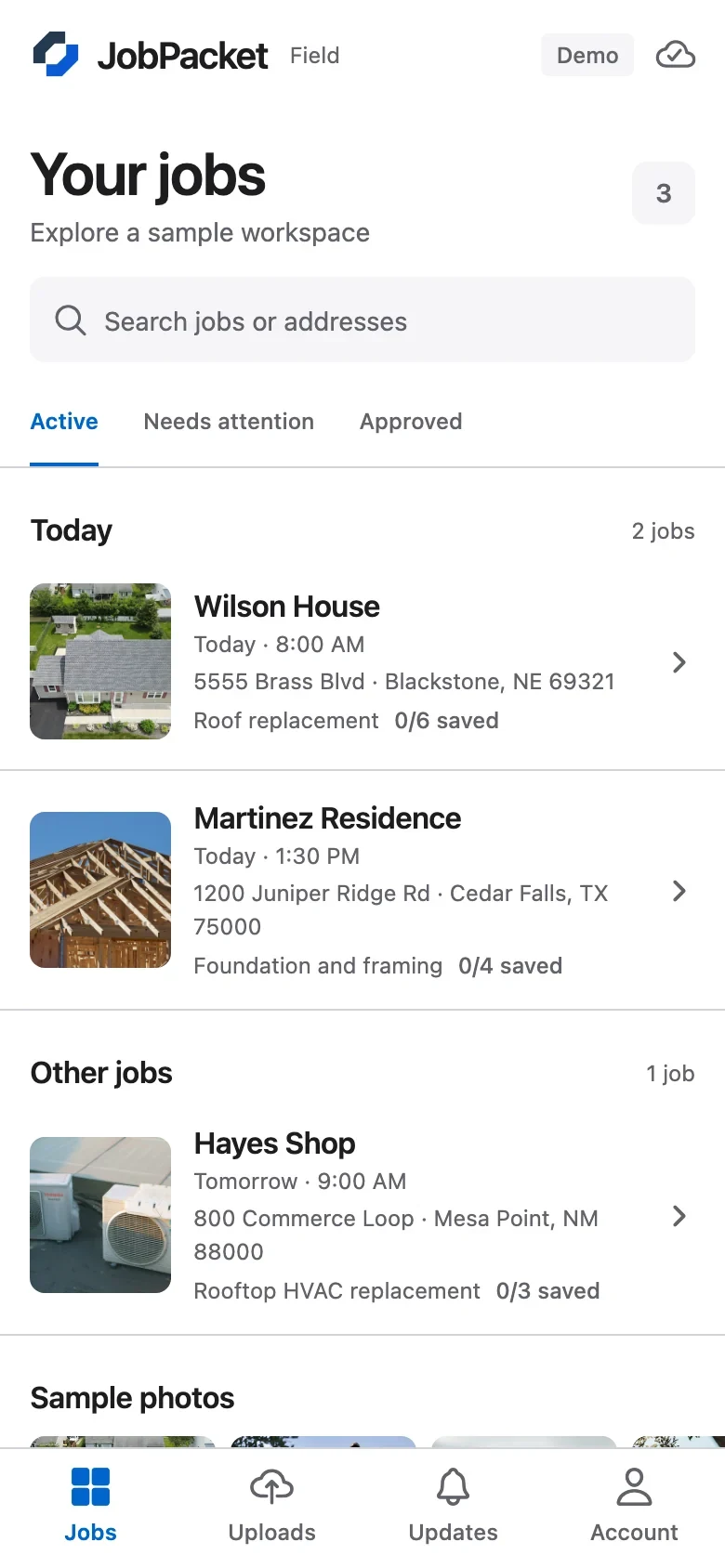
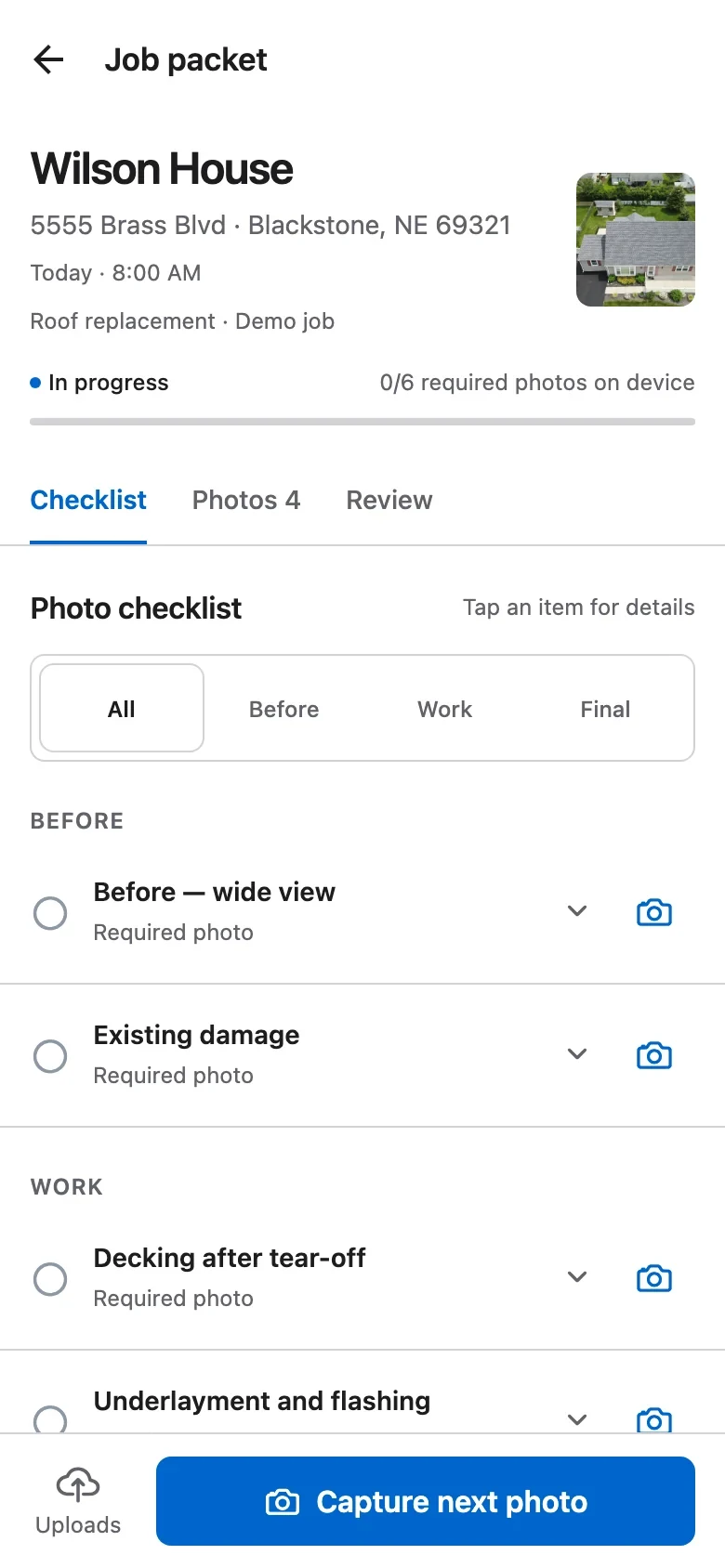
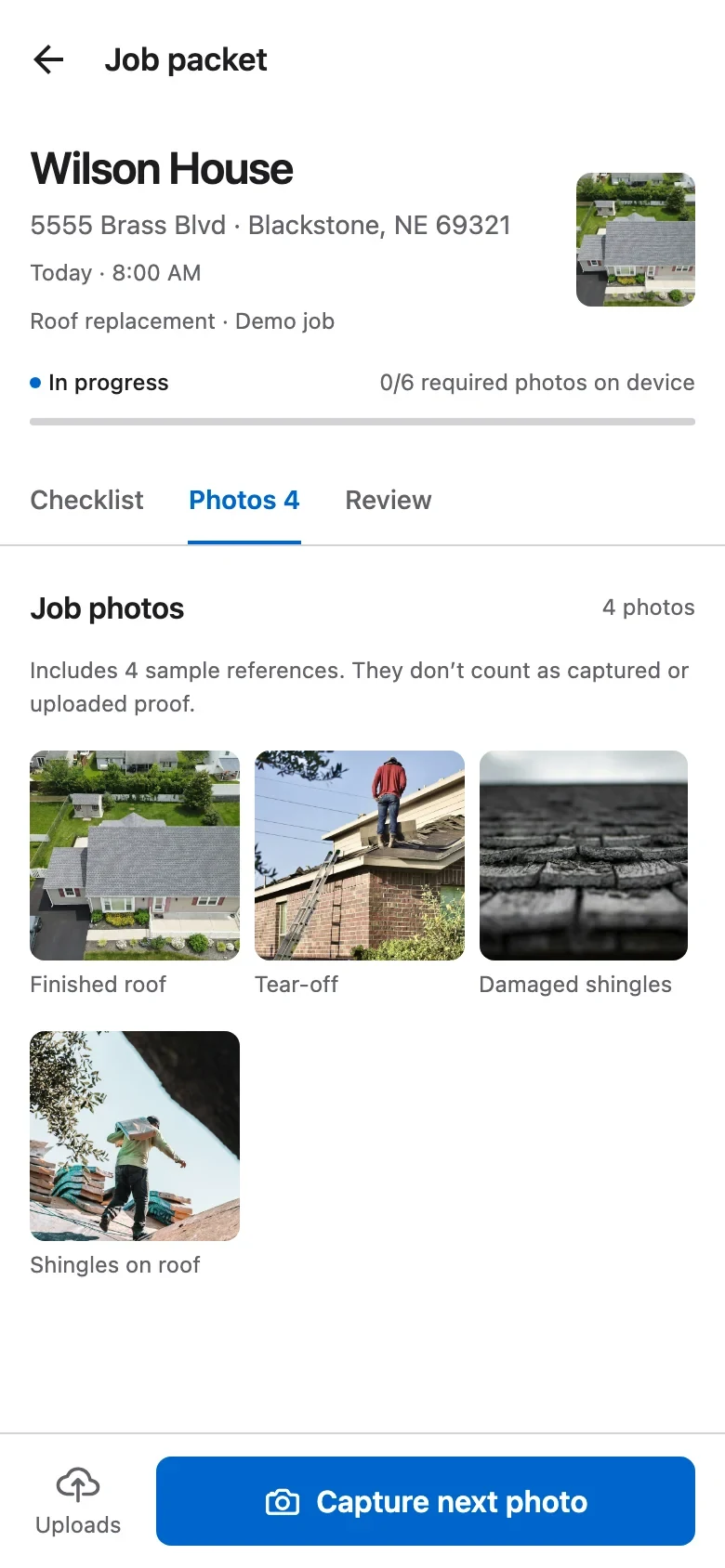
On mobile, the design moves from finding a job to checking requirements, reviewing photos and adding proof. Repeated navigation, restrained color and consistent spacing connect the screens.
These individual views show the interface in more detail: the job list, checklist, photo grid, capture choices and upload queue.
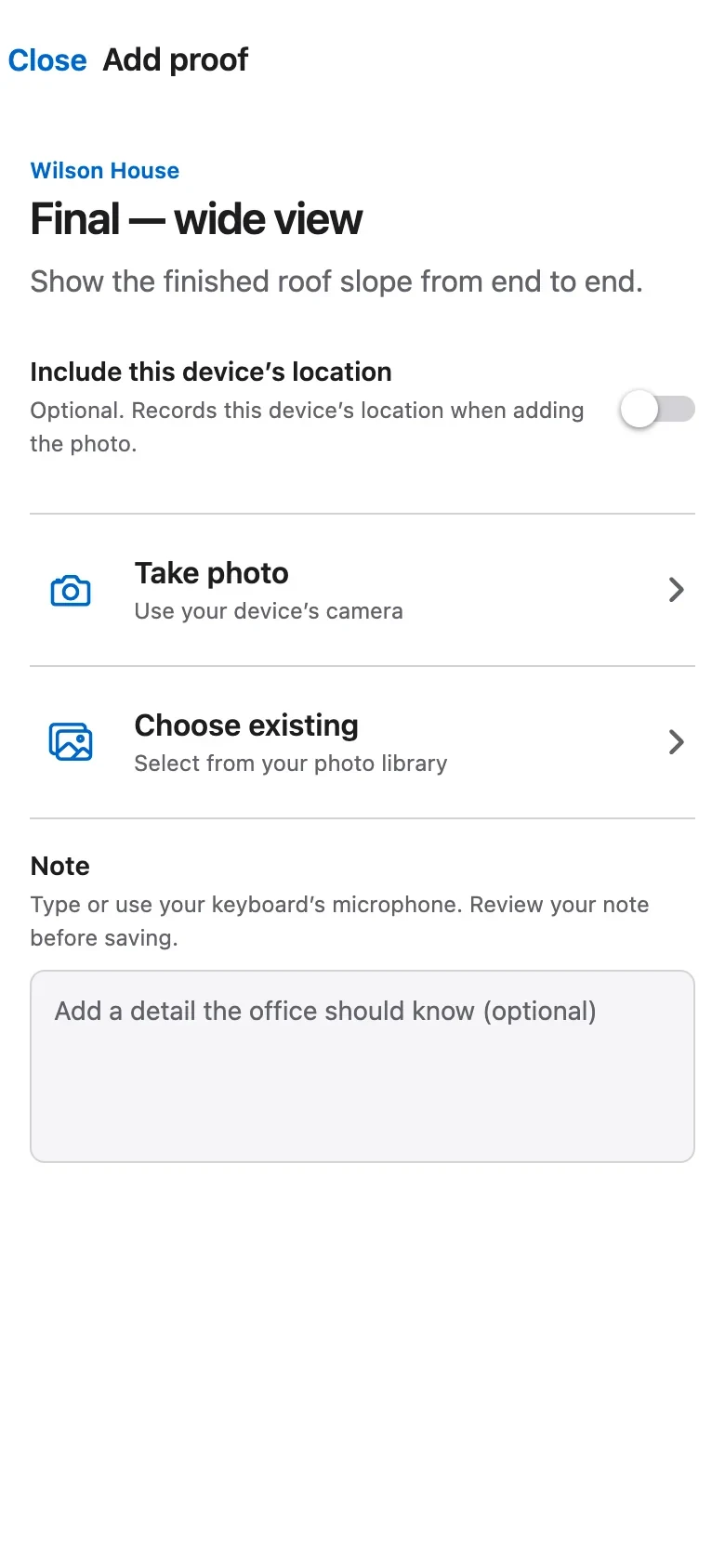
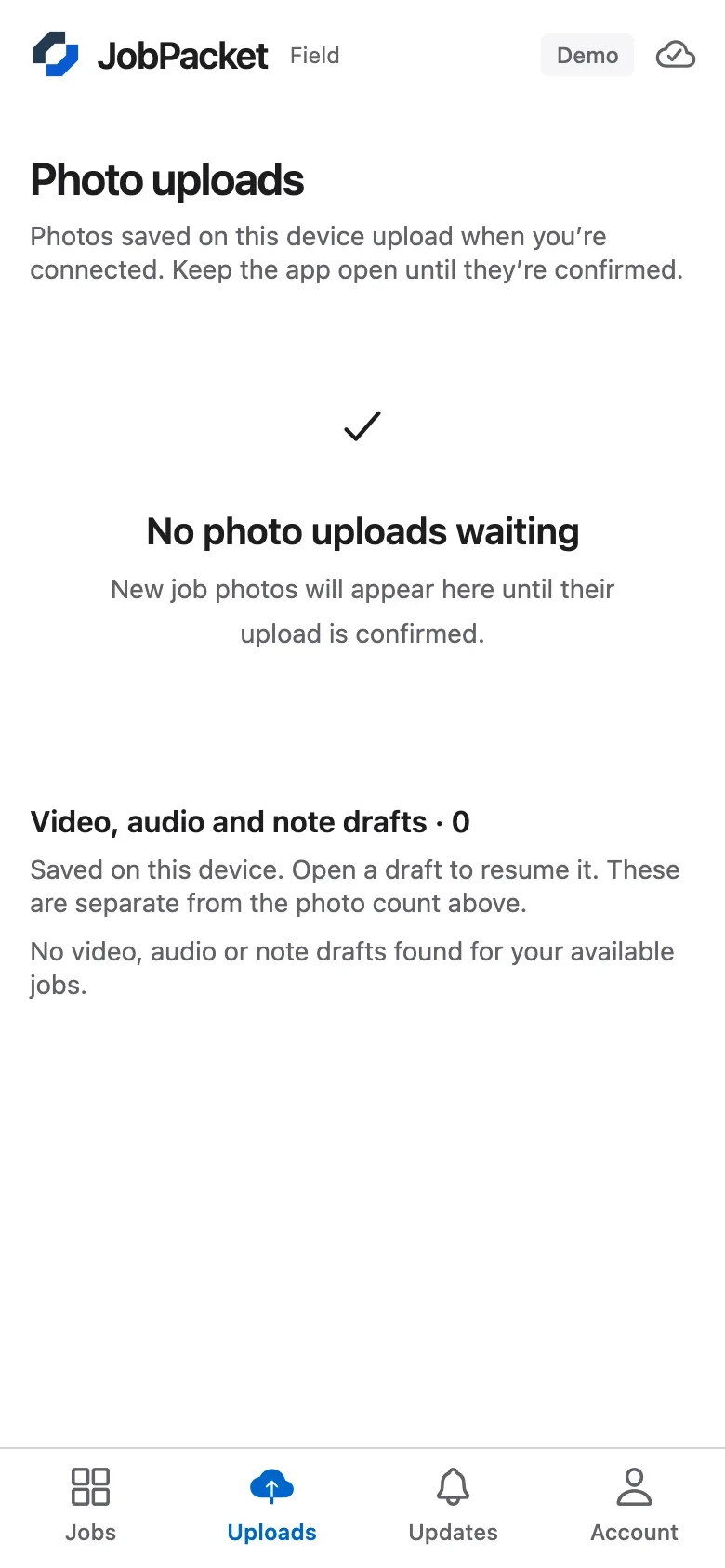
The website explains the product, the dashboard organizes office work, and the mobile screens focus on the next field action. Each layout uses the space available without forcing the same composition everywhere.
Explore our website and interface design service for page layouts, product screens and design systems.
Bring your next few requests to a 15-minute fit call. We’ll talk through scope, priorities, and whether one active request at a time fits your team.
Book a fit call See membership details